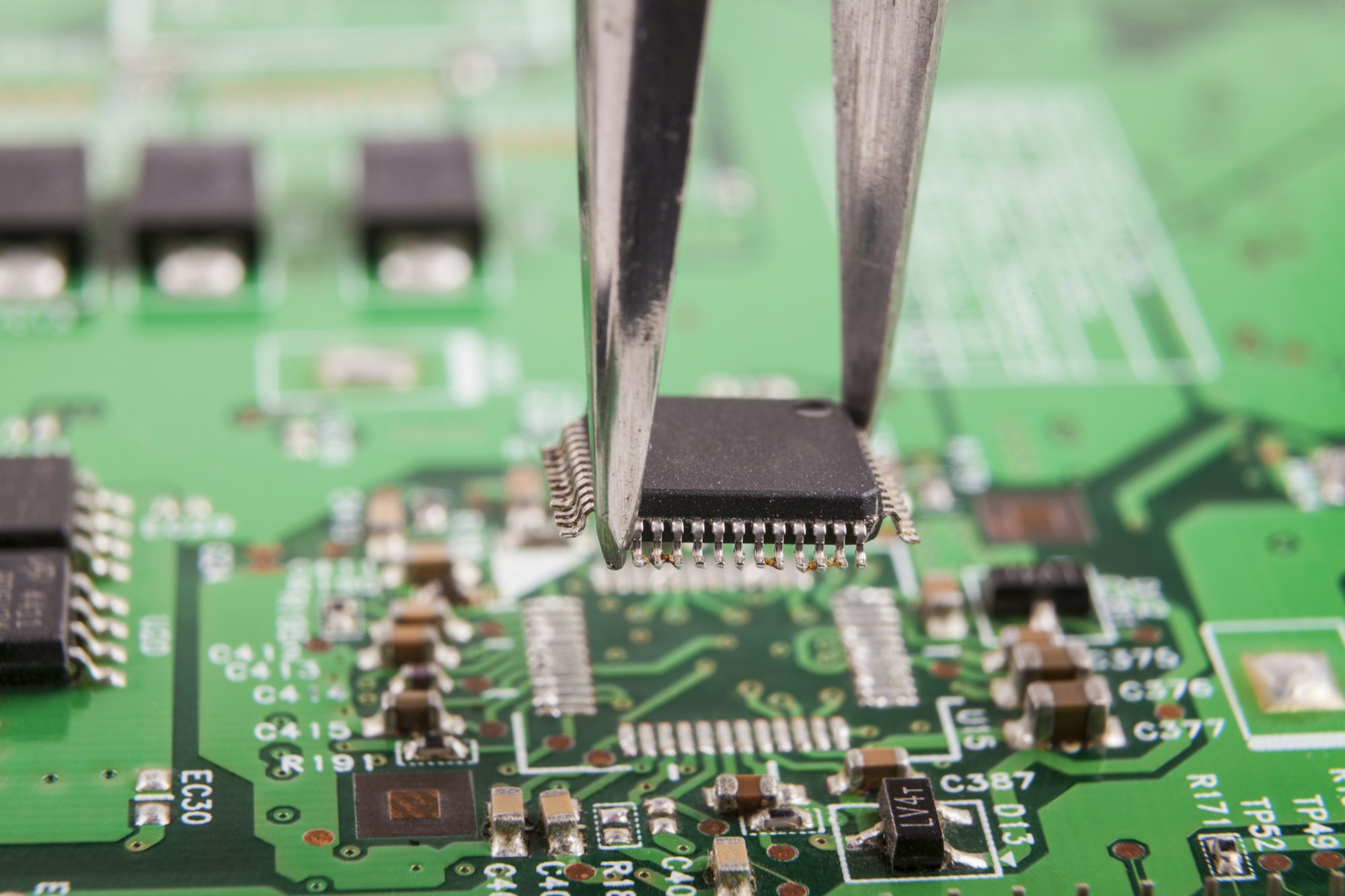
Ever wished you could just print a circuit board at home? The idea is tempting, but the reality is more complex than it seems.
You can use some printers to create parts of a PCB, like the substrate or basic conductive paths, but a complete, functional electronic device, like those from a factory, is not possible.
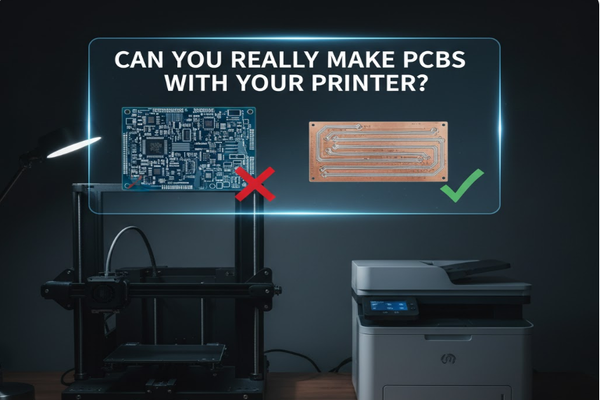
I once thought about printing my own complex circuits. It turns out, the journey from idea to a working circuit board is fascinating, with many steps to consider. Let's explore what's truly possible and what's still science fiction.
Can I print a PCB with a 3D printer?
Dreaming of a custom circuit board, printed at home? While 3D printer[^1]s can create the board's base, making a fully functional PCB is not as simple as printing a document.
You can use a 3D printer for the substrate or to form basic conductive traces with specialized materials. However, printing a complete, factory-quality PCB with all components is currently not possible.
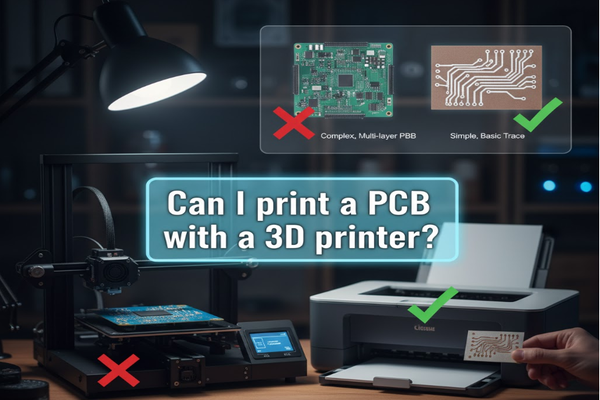
I have experimented with different 3D printing filaments, and the idea of conductive filament always excited me. While a 3D printer can indeed create the physical shape of a PCB's non-conductive base, making it electronically viable is another matter. We are talking about the difference between a shell and a working engine.
How 3D Printing Helps PCBs
- Substrate Creation: You can print the rigid or flexible base of the PCB. This is usually made from plastics like ABS, PLA, or PETG.
- Enclosures and Mounts: 3D printers excel at creating custom housings for your electronics.
- Basic Conductive Paths: Some specialized 3D printers use conductive filament[^2]s or inks to lay down simple traces.
| Method | Material Used | Limitations |
|---|---|---|
| Fused Deposition Modeling (FDM)[^3] | Conductive PLA/ABS | Low conductivity, thick traces, not for complex circuits |
| Inkjet Printing[^4] | Conductive inks | Requires smooth surface, limited trace resolution |
| Stereolithography (SLA)[^5] | Photopolymer resins | Not inherently conductive, primarily for structure |
While 3D printing offers rapid prototyping for the physical aspects of a PCB, the electronic functionality remains a significant challenge. This is where traditional manufacturing methods still dominate for reliability and performance. I learned this when my first "printed" circuit failed due to high resistance.
Can a 3D printer print electronics?
Imagine printing a complete gadget, fully functional, right from your 3D printer. This is a common desire, but the reality of printing complex electronics is far from a simple press of a button.
While 3D printers can form structural parts of electronic devices, like cases or mounts, they cannot print fully integrated, working electronic components such as microchips, resistors, or capacitors in a single process.
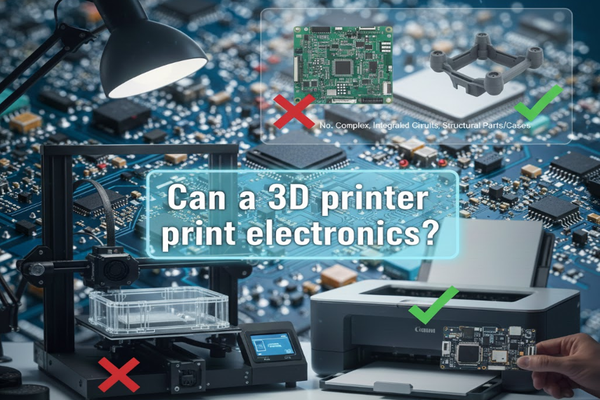
I often get asked if my 3D printer can make a new phone. The truth is, building electronics requires more than just layering plastic. We need precise control over materials at a microscopic level, something most hobbyist 3D printers cannot achieve. The components within any electronic device are incredibly complex. They are often made with different materials and precise manufacturing steps.
Challenges in Printing Electronics
- Material Diversity: Electronics need many different materials (conductors, semiconductors, insulators). Standard 3D printers use only one or a few.
- Component Integration: Printing complex parts like transistors or integrated circuits needs very high resolution and specific material properties.
- Layering and Assembly: Even if you print parts, joining them perfectly to work together is hard. This often needs soldering or other connection methods.
| Electronic Component | Difficulty to 3D Print | Why it's hard |
|---|---|---|
| Resistors | Medium | Needs precise resistive materials and geometries |
| Capacitors | Medium | Requires conductive plates separated by a dielectric |
| Transistors | High | Complex semiconductor junctions are very hard to make |
| Integrated Circuits | Very High | Thousands/millions of microscopic components |
My attempts to print even simple conductive paths showed me the huge gap between printing a plastic model and a functional circuit. The properties needed for electronics are just too specific for current general-purpose 3D printers.
What is the 45 degree rule for 3D printing?
When you design something for 3D printing, angles matter. Ignoring them can lead to failed prints and wasted material.
The 45-degree rule[^6] states that overhangs or features extending outward should not exceed a 45-degree angle from the vertical without support structures. This helps prevent sagging and ensures print quality.
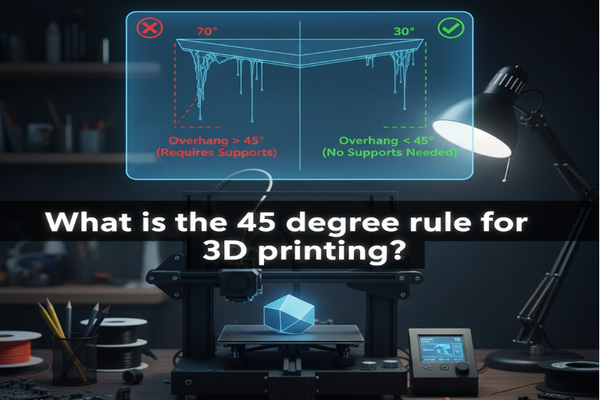
I remember my first complex print; a small statue with outstretched arms. The arms sagged badly, turning into spaghetti. That's when I learned about the 45-degree rule the hard way. It is a fundamental concept in 3D printing design. It dictates how much a part of your model can "hang" in the air without collapsing. When plastic is extruded, it needs something beneath it to solidify against.
Understanding Overhangs and Supports
- Overhangs: These are parts of your 3D model that extend horizontally or diagonally from the layer below.
- Bridges: A specific type of overhang that spans a gap between two supported points.
- Support Structures: If an overhang is too steep (usually over 45 degrees), the printer needs to build temporary structures underneath it. These are removed after printing.
| Angle from Vertical | Support Needed? | Print Quality Impact |
|---|---|---|
| 0-45 degrees | No (usually) | Good, smooth underside |
| 45-60 degrees | Maybe (depends) | Can show some sagging or rough texture |
| 60-90 degrees | Yes (definitely) | Significant sagging/failure without support |
I always consider this rule when designing enclosures for my PCB projects. It helps me make sure the printed case will come out clean and strong. Ignoring it means more clean-up later or starting over.
Conclusion
To some extent, you can use a 3D printer for PCB bases, but full electronic devices are still beyond current capabilities, a common misunderstanding.
[^1]: Explore the capabilities of 3D printers in electronics to see their potential and limitations. [^2]: Explore the innovative use of conductive filament in 3D printing for electronics. [^3]: Gain insights into FDM technology and its applications in creating PCBs. [^4]: Understand the process of inkjet printing for PCBs to explore alternative manufacturing methods. [^5]: Learn about SLA technology and its role in creating precise electronic components. [^6]: Understanding the 45-degree rule can improve your 3D printing designs significantly.